Docs
Layouts
The theme comes with three layouts:
- The default page layout (
page). You can show a description, a table of contents, and an image with the title; the page text appears beneath them. - The default list layout (
list). Child pages appear in pages in the main content area. - An alternative layout for lists (
landing). Child pages appear directly under the description. It works best for a small number of pages.
To overwrite the default layout for a given page, set layout to the name of the desired layout in the page’s frontmatter.
Menus
The theme comes with four menus:
- A responsive menu in the header (
primary). - A menu displayed on the homepage, below the description (
home). - A list displyed in the footer across two columns (
footer). - A list of icons in the footer (
social). These should have icons set.
Entries can be customized, including pre and post, but also params.class (to add a custom css class) and params.icon to add an icon from the asset folder.
None of the menues supports nested entries.
Other Features
Images
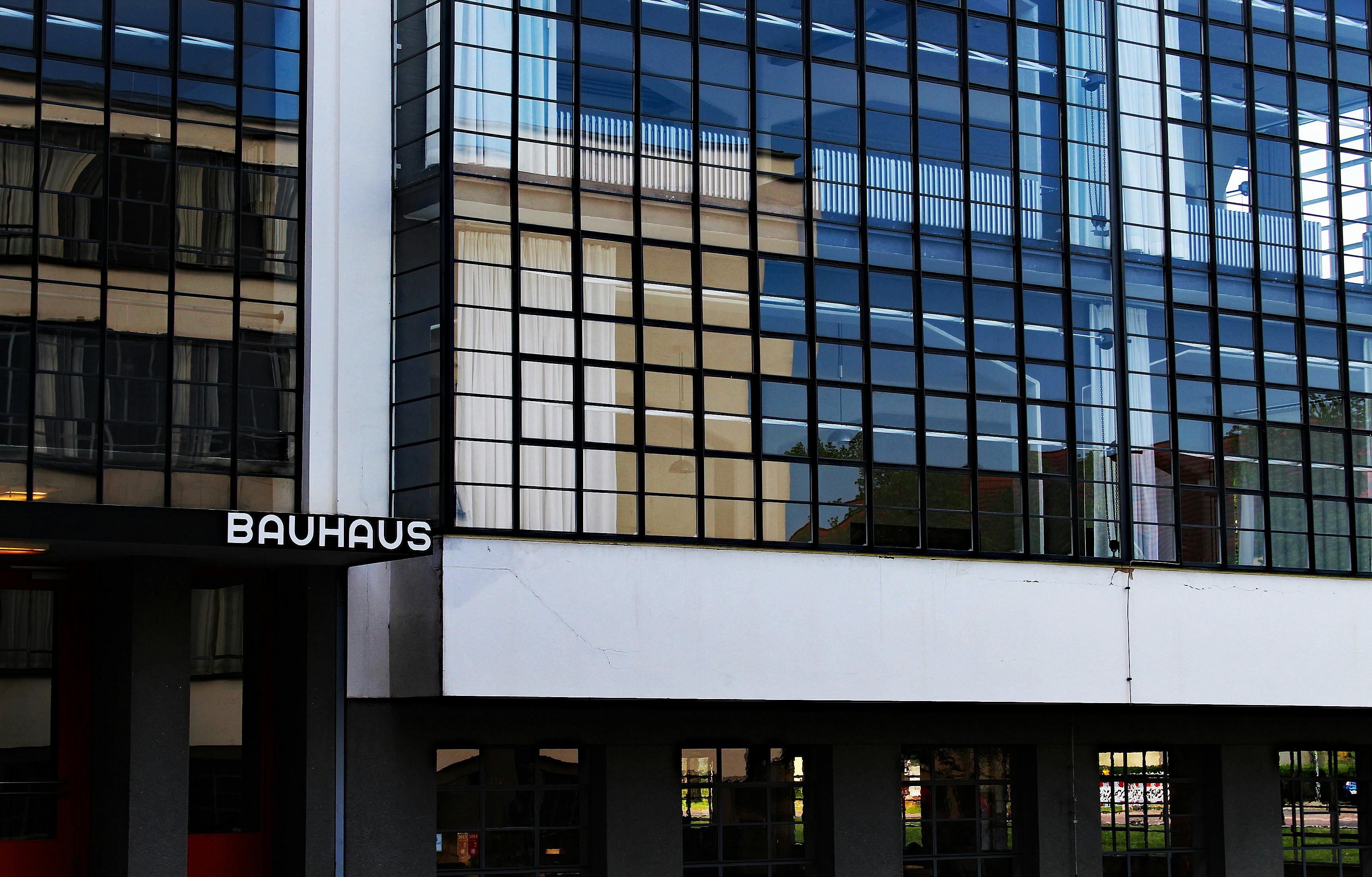
Images used in markdown or via the figure shortcode are automatically resized and converted. Take a look at the source of this image:
Search
Search is handled client site via FlexSearch, using a JSON file created at build time.
All pages are included in the index per default. To exclude a page, set excludeFromSearch to true in the page’s frontmatter.
SEO
For all pages, SEO meta tags are automatically added (Schema, OpenGraph).
You can add a featured image by adding an image with cover or thumbnail in its name to a page’s bundle (as per Hugo’s defaults). If no featured image is specified, one is created automatically by writing the page’s title on a base image.
To use a different base image, overwrite assets/social/card-base.png.
Encrypted Mail Adresses
Links to email addresses are encrypted using simple JavaScript:
example [AT] example [DOT] org
Click here to send me an email.
Math
Mathematical equations are supported and enabled by default: x = {-b \pm \sqrt{b^2-4ac} \over 2a} becomes: .